Process Mapping Before AI Rollout in Small Accounting Firms
Mapping workflows first reveals which tasks AI can handle and which still need human judgment.
For smaller accounting firms, AI workflow transformation starts with mapping how work actually moves. Process mapping before AI rollout separates repetitive tasks from professional judgment, exposes delays, and establishes the baseline for measuring results. The practical path is to trace one workflow, pilot one tool against the bottleneck, and expand only when the evidence supports it.
Why most small accounting firm AI rollouts quietly fail before they start
The firm's leaders buy an AI tool, staff get a login, and three months later hardly anyone uses it. No one has defined what it should replace. Staff must work out where it fits while keeping client work moving, so experimentation becomes another task. The subscription goes unused, and the failed rollout makes it harder to get people in the firm to back the next attempt.
AI adoption has surged, but buying and benefiting remain different things. Depth of adoption is the strongest predictor of measurable ROI, with organization-wide use associated with much better results than occasional use by a few people. When firms layer AI over broken or undocumented workflows, the tool can accelerate the dysfunction.
What process mapping actually means in an accounting firm context
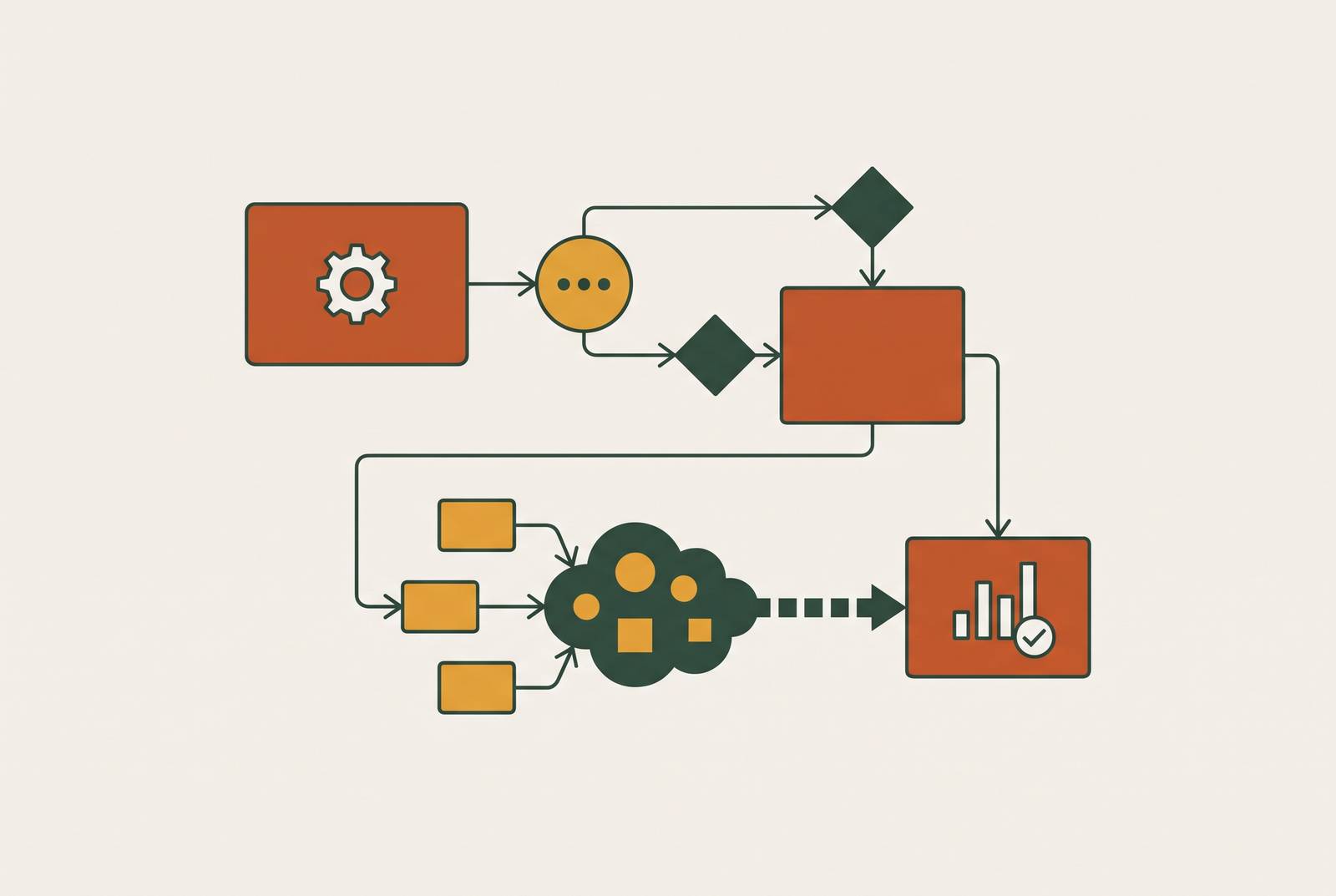
Process mapping means recording every step as it actually happens, including who does it, which system they use, and where work waits. It is not a description of the ideal process. A shared document, whiteboard photo, or simple table can capture it. A two-person firm can start in an afternoon, without consultants or formal flowchart software. The test is whether the record matches daily work.
Mapping is also different from automation, which follows fixed rules to move data or trigger actions. MACPA’s 2025 implementation guide distinguishes automation that moves data from AI that transforms it. Mapping comes before either. It reveals whether the rules are consistent enough to encode and whether a task needs interpretation.
AI can help with extracting document data, matching transactions to rules, and sending standardized reminders. Interpreting results, advising clients, and making final calls on complex classifications stay in human hands. Without that boundary, a firm risks automating a judgment call while leaving the actual grunt work untouched.
Which workflows to trace first and why the order matters
Before opening a vendor website, a firm should choose among four critical journeys, namely client onboarding, monthly close, tax deadline management, and advisory or reporting delivery. These are where hours concentrate and failed handoffs become expensive. Mapping everything at once is not the starting point. The first choice should expose a substantial burden that the firm can measure and address.
Within those journeys, document intake and transaction categorization are where many small firms can make gains soonest. The sheer number of invoices, receipts, and statements means doing the same work over and over, so time saved is easy to see without complex modeling. But the sequence deserves attention. Mapping onboarding before reconciliation can show where poor incoming data makes later matching hard, so fixing intake may ease the work that follows without a separate fix.
Firms with standardized data, a documented close process, and defined approvals can move ahead with a focused test. Firms without those foundations need to establish them first. AI added to an undocumented approval process creates a faster route to outputs that no one has approved.
What to look for as you trace each workflow step by step
To turn the exercise into a usable audit, record five things at every step, including the person responsible, the system used, typical working time, the trigger for the next step, and common delays or failures. Describe the work performed. “Reconciliation” alone says little about who receives it or why it stalls. The breakdown-and-wait record is often the most revealing part of the map.
Separate time spent working from time spent waiting. A reconciliation task may need only a short stretch of attention yet sit in a queue for two days. Faster processing would address only part of that delay. Likewise, staff may each fill out an onboarding checklist in a different way, while a document request sent by email may take a week of follow-up. Those are different problems and should remain distinct on the map.
During the walk-through, flag repetitive data entry, document chasing, status checks, and memory-dependent handoffs. Note where someone copies the same information from one system to another by hand. Mark messages that only ask where work stands and do nothing to move it along. Then identify steps that proceed only because someone remembers to act. A named owner is not the same as a reliable trigger.
At each step, also note whether client-specific or personally identifiable information is involved. That boundary belongs in the workflow record itself. MACPA’s guide says never to enter that information into a platform outside the firm’s data protection policies. Writing down that boundary before choosing a tool helps keep a promising pilot from relying on data the chosen platform should never receive.
How the map becomes the baseline that makes ROI measurable
The map becomes a measurement instrument when it records the before state, including working time, error frequency, queue delays, and handoff failures. After deployment, the firm can compare the same measures. Hours saved are useful but incomplete on their own. A task may become faster without shortening the close if the next approval still waits, while fewer errors may reduce rework or audit time beyond that task.
Without this baseline, improvement is mostly a feeling. That is a weak basis for expanding a subscription, switching tools, or funding custom work. The map also supplies the inputs for a written AI policy by showing where AI is appropriate, where review remains necessary, and which data boundaries apply. Firms with a formal documented AI policy report clear ROI at more than twice the rate of firms without one. That association reinforces the value of defining how AI fits into work.
What three small firms found when they ran the process before the rollout
Countsy, an outsourced accounting, CFO, and HR service for venture-backed startups, identified accounts payable as its highest-volume repetitive workflow. Staff handled thousands of invoices per month largely by hand, and extraction and GL coding took up much of their time. It selected Vic.ai, with setup completed in approximately two weeks. The large majority of invoices then processed autonomously, coding accuracy improved markedly, and processing time fell sharply. Countsy saved hundreds of hours per month.
The Free Minded Accounting Group, a boutique firm in Tempe, Arizona founded by Jonathan Brown, found a different bookkeeping bottleneck. Serving athletes, entertainers, and entrepreneurs, TFMA identified manual entry and transaction categorization as dominant sources of friction. Annual cleanup engagements made the distinction especially clear. Much of the elapsed time came from queues and manual entry. It chose Digits Autonomous General Ledger, though the case details supplied do not show a measured result after the rollout.
Count in North Sydney, Australia found that correspondence to and from the tax office took more time than any other work. There was a lot of this work, but it needed little judgment. It selected FYI and ATOMate to automate that correspondence. The reported outcome is automation of the identified workflow. Unlike Countsy’s invoice work or TFMA’s bookkeeping friction, the starting point was correspondence.
How can a small accounting firm run a 30-day AI pilot without disrupting existing processes?
A 30-day pilot tests one high-friction workflow with one tool and two or three people, using performance measures drawn from the map. This keeps the test tied to work the firm already does without calling for a redesign of the whole firm. The objective is enough before-and-after evidence to decide whether to expand, switch, or build.
CPA.com’s June 2026 AI Build vs. Buy Decision Framework makes buying the default for firms under 50 people. The CPA.com AI Working Group developed it in collaboration with radical, an innovation and business transformation consulting firm. The map still determines which workflow needs support and what a successful test must demonstrate.
For accounts payable, the named pilot candidates include Vic.ai, Dext, Docyt, and Ramp. For bank reconciliation and categorization, they include Digits, FloQast, and MindBridge, while document intake and routing call for tools combining OCR with AI classification. Thomson Reuters CoCounsel and Blue J Tax are candidates for tax research and correspondence, and Karbon and Keeper for deadline and workflow management. The choice among these workflow-based candidates should depend on the task in the map, the data protection boundaries, the approvals needed, and results the firm can measure.
Thomson Reuters recommends compressing the full implementation roadmap to four to six months for firms of one to twenty people, without skipping its phases. The firm still needs a pilot on that shorter schedule. It produces tested use cases and success stories that support wider adoption. At the end of 30 days, the firm should have both a decision about the tool and a measured baseline for expansion.
When the map reveals you need more than a subscription tool
A pilot may show that the available software does not reach the real bottleneck. Some workflows are too specific to a firm’s clients, or involve too much judgment, to fit an off-the-shelf package the firm would trust in front of a client. Custom work may then be justified. That shifts the question from software selection to how the supporting system gets built.
For a small firm, a full-time senior AI engineer can cost more than the need justifies, while a one-time freelancer may not stay long enough to develop the system further. An embedded engineer on retainer provides a middle option. SANSA works this way with accounting and professional services firms, beginning with a diagnosis that typically takes two weeks, then building a production-ready system and staying involved as it develops. Its work in other sectors includes a dramatic reduction in manual entry for an insurance broker and over a hundred hours a month saved for a freight company. Those examples are not accounting-firm forecasts, so the relevant test remains the cost in staff hours and turned-away capacity that the firm’s own map reveals.
The compounding path from first workflow win to new firm capability
The first successful workflow creates room for the next one. Document intake or AP automation can save hours of repetitive work, giving staff more time for client advisory services. As that capacity grows, a firm may quote faster and accept clients it previously had to turn away. Those gains depend on how the firm uses the released time.
The firm should keep using the map after launch. CPA.com’s framework links discovery, piloting, and operationalizing, with scaling extending the work beyond the initial implementation. In practice, operationalizing one workflow can reveal the next bottleneck. Updating the map preserves the connection between that new constraint, the intervention chosen, and the result measured.
Client expectations add a reason not to postpone the work. Thomson Reuters Institute’s 2025 research found that 77% of clients want their firm to use AI, though most cannot tell whether it already does. Measuring the results of the rollout gives the firm something it can show clients. The practical next step is modest. On Monday morning, pick one of the four critical journeys, record every step as it happens, separate judgment from repetition, and measure the baseline before choosing a tool.